
Losing important photos from your phone can be frustrating, but the good news is that there are tools that can help recover those memories. Whether due to accidental deletion, system failure, or even after formatting the device, some apps specialize in searching your device's storage for deleted files. In this article, we'll explore six popular apps that promise to help you recover deleted photos from your phone, making the process of rescuing these digital memories easier.
Main Highlights
-
DiskDigger is known for its ability to recover photos even after formatting the device, offering options to upload to the cloud or email.
-
Dumpster functions like a virtual trash can, saving deleted files after installation for easy and quick recovery.
-
Photo Recovery uses advanced algorithms to search for lost or hidden images in internal storage or SD card.
-
Restore Image is an affordable option that doesn't require rooting your device and can recover old photos quite efficiently.
-
DigDeep Image Recovery is a robust application for recovering files from SD cards and internal storage, with a simple interface.
1. DiskDigger
You know when you accidentally delete a photo and think "oh no"? Well, DiskDigger is one of those apps that can save you in those situations. It's well-known and has an Android version that works beautifully, as does the computer version.
What's great about it is that it doesn't just search the phone's internal memory. If your photos were on the SD card, DiskDigger also finds a way to snoop around there. It does a really thorough scan, you know? Sometimes it takes a little while, but it's usually worth the wait.
After it finds what you lost, you can choose where to save it. It can be directly to your email, or sent to a cloud service like Google Drive or Dropbox. This way, you don't run the risk of losing it again right away.
DiskDigger is one of those digital saviors. It's straightforward and gets right to the point: finding what you accidentally deleted. It's a lifesaver for anyone who doesn't want to lose precious memories.
One important thing is that it may ask for permission to perform a deeper scan. If you want a better chance of recovering older photos or photos that were deleted a long time ago, it's worth granting this permission. It's one of the most reliable apps for this mission of recovering lost files.
2. Dumpster
You know when you accidentally delete something and that feeling of panic hits? Dumpster is like a virtual trash can for your Android phone. It works in a very simple way: when you delete a photo, video, or other file, it doesn't disappear completely. Instead, it ends up in Dumpster, waiting for you to decide if you really want it gone.
The great thing about Dumpster is that it can recover files you deleted even before installing the application., This is a lifesaver for many people. It creates a backup of deleted files, so if you regret it, you can just go back and restore them. It's like having a second chance with your digital memories.
The app has some really cool features:
-
Automatic recovery: It automatically saves deleted files without you having to do anything. Just install it and let it do its work.
-
Cloud backup: If you want to save space on your phone, you can configure Dumpster to back up recovered files to services like Google Drive or Dropbox.
-
PIN protection: To prevent you from accidentally deleting something again, you can protect access to Dumpster with a PIN code. That way, nobody can accidentally mess with your things.
One important thing to know is that, depending on your device and Android version, Dumpster may consume a little more storage space, as it saves copies of files. But, for those who don't want to lose precious photos, this is a worthwhile trade-off. There is also a premium version that uses the cloud for backup, avoiding the use of your phone's internal storage.
3. Photo Recovery
You know when you accidentally delete a photo and think "oh no"? Photo Recovery is one of those apps that comes to the rescue in those moments.
It has a really simple interface, you know? Nothing complicated. You open the app and it immediately starts searching for your lost photos. The cool thing is that it doesn't require your phone to be rooted, which makes life much easier for a lot of people. It's good at finding both photos you deleted recently and those that have been hidden on your device for a while.
Basically, Photo Recovery works like this:
-
Scan your phone: It scans the internal memory and SD card looking for deleted image files.
-
Show what you found: You can see a preview of the photos he recovered before deciding to save them.
-
Retrieve the photos: Choose the ones you want back and that's it!
If you've recently lost photos and don't want the hassle of complicated settings, Photo Recovery is a straightforward option that usually delivers results.
4. Restore Image
You know when you accidentally delete a photo and panic? Restore Image can be a lifesaver in those moments. It's a very straightforward app, focused on recovering your lost images on your Android phone. One of its great features is that you don't need a computer to use it, and best of all: you don't even need to go through that complicated rooting process on your device.
The app performs a very thorough scan of your device, even searching for those photos you thought were gone forever. It's known for having scanning features that actually work, and its ease of use is very appealing to users.
To use it, you usually just open the app and let it do its job. It will search for deleted photos and show you what it finds.
-
No PC needed.
-
It does not require root access.
-
It performs deep scans.
If you've lost important photos and want a simple solution that doesn't complicate your life with technical settings, Restore Image is worth checking out. It's an affordable option to try and bring your memories back.
It's a good option for those looking for a practical way to recover deleted photos without much technical complication. For those who want to be sure they won't lose anything, it's worth checking out tools that help with this. recover photos and videos efficiently.
5. DigDeep Image Recovery
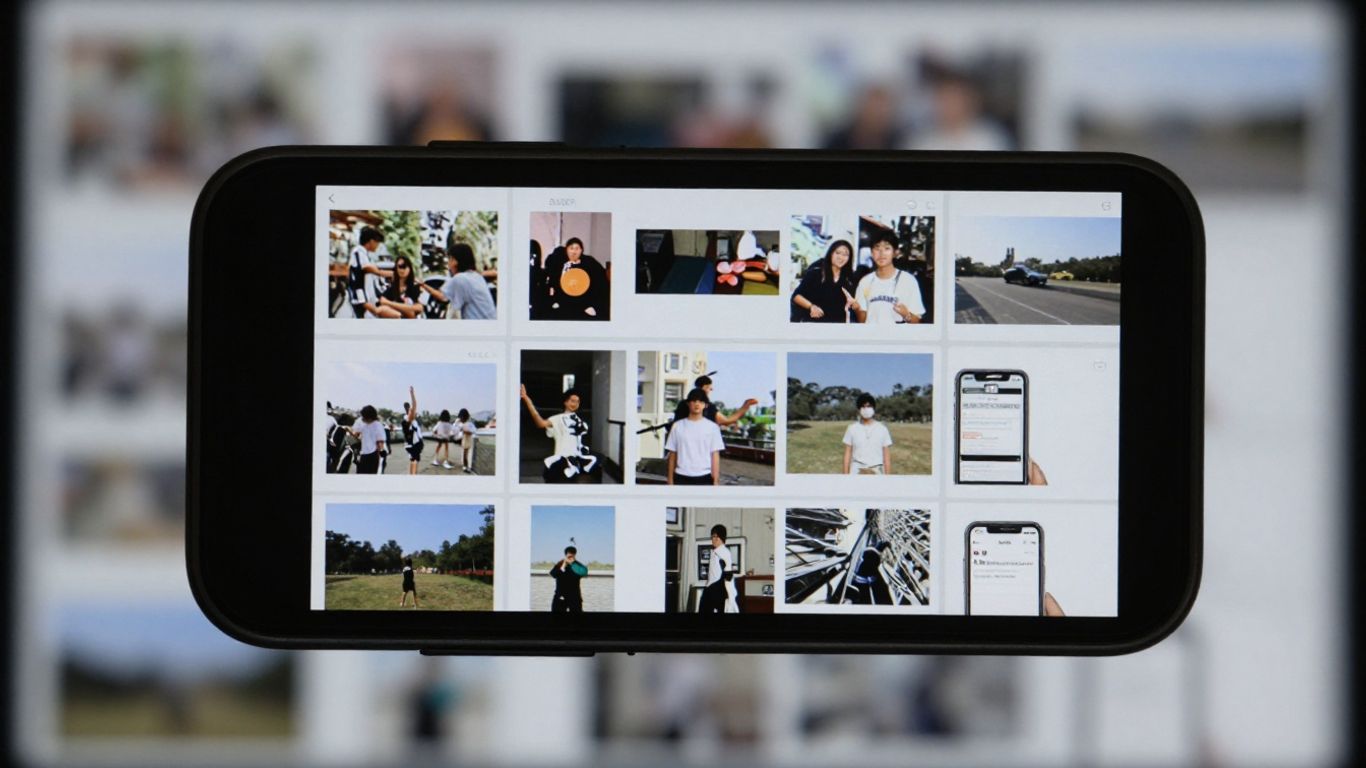
If you've looked at other recovery apps, DigDeep Image Recovery might seem familiar. It's a very straightforward Android app that does what it promises: recover photos and images you thought you'd lost forever. It scans both your phone's internal memory and SD card for JPG, JPEG, and PNG files. The interface is very simple, which is a big help when you're in a rush to find something that's gone missing.
One cool thing about DigDeep is that it doesn't require your phone to have... root. This already makes life easier for a lot of people, right? It does a complete scan, but it's good to know that this can take a while, depending on how much stuff is on your phone. So, patience is the key word here. After it finishes, you'll see everything organized into folders for you to look at and choose what you want to bring back.
Remember that, like many apps of this type, it may contain ads. Sometimes it's worth checking out the paid version if you want a cleaner, uninterrupted experience, but for most people, the free version is sufficient.
Users consider this app's recovery rate to be high., That's a huge plus. It's a solid option if you need to recover those photos that suddenly disappeared.
6. Undeleter
Undeleter is another option for those who have lost photos and other files on their cell phone. It works on both the internal memory and the SD card of your device.
One cool thing is that it allows you to save the recovered files directly to Google Drive or Dropbox. That's great so you don't lose everything again!
But be aware: for 100% to work, it's ideal to have root access on your phone. Without it, it can only search for images saved in the app's cache. It has ads, but the recovery itself is free. You can buy a version that removes ads and also allows you to recover files in the background, which can be very useful because the search sometimes takes a while.
Remember that the faster you try to recover your data, the greater your chances of success. Delaying may cause the data to be overwritten, making recovery much more difficult, or even impossible.
Undeleter is a tool that can save you in trouble, especially if you already have root access on your device. It's not the easiest to use, but the ability to save to the cloud and the possibility of background recovery (with the paid version) are strong points.
So, did it work?
Okay, now that you've seen a bunch of options for trying to recover those photos that disappeared from your phone, hopefully one of them will work for you. Sometimes we delete them accidentally, right? It happens to everyone. The important thing is to know that there are ways to try to bring those memories back. If it worked with one of these apps, great! If not, well, maybe it's time to start backing up more frequently. In any case, I hope this list has given you some guidance and that your photos are safe again.
Common questions
Is it possible to recover photos that have been permanently deleted?
Yes, it's often possible to recover photos you thought were deleted forever. Apps like the ones we're going to show you use special methods to search for these lost files in your phone's memory. Sometimes, they don't even require you to pay anything to try.
Do I need a computer to recover my photos?
Not always! Many mobile apps are designed to work directly on your device. You download the app, it searches and shows you what can be recovered, all without needing to connect your phone to a computer. It's very convenient.
Do these apps work on iPhone (iOS) as well?
Most apps that recover deleted photos are made for Android phones. For iPhones, the most common way to try to recover something is by using iCloud, which is Apple's cloud service, or by checking the 'Recently Deleted' folder on your phone. There aren't many free iPhone apps that do this like Android apps do.
What is 'root' and do I need to do it on my phone?
'Rooting' is like giving an app full permission to access deeper parts of your Android phone. Some recovery apps work better with root access because they can search in more detail. But many other apps work without needing it, so you can try those first.
How long does it take to recover the photos?
The time it takes can vary considerably. It depends on how many files the app needs to search and the speed of your phone. Sometimes the search can take a few minutes, other times it can take a little longer. The important thing is to be patient and let the app do its work.
Are all recovery apps the same?
No, they do have differences. Some are simpler, others more comprehensive. Some can recover more file types, others focus only on photos. Many have a free trial version and a paid version with more features. It's a good idea to read about each one to choose what best suits your needs.